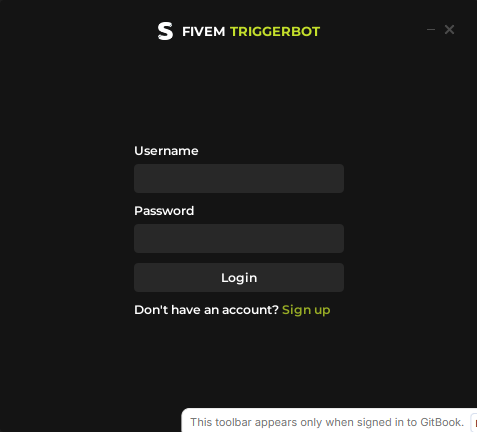
How to Register/Login
Create your account the first time you launch the loader.
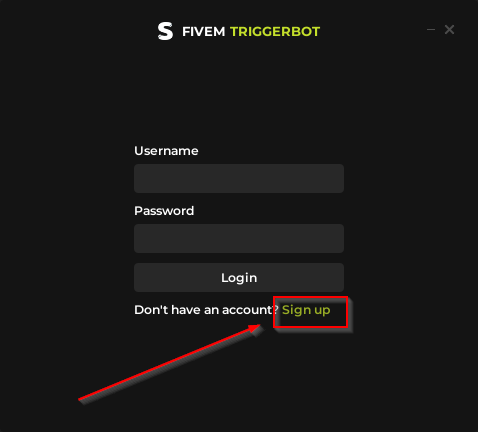
- When you open the loader FOR THE FIRST TIME, you need to create an account, so click on "Sign Up".
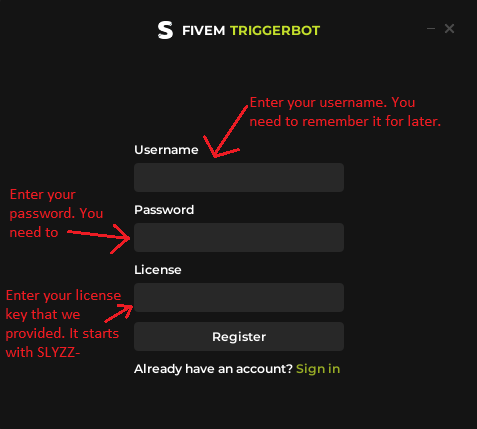
- When you are on the REGISTER PAGE, as shown below, please enter your username. You must remember it to log in later. Your password. You must also remember it to log in later. And enter the license key we gave you. (It starts with
SLYZZ)
- After you have registered, you will then be taken to the LOGIN PAGE as shown below. Now you must log in with the username and password that you entered on the registration page.